See every agent. Know whose it is.
Sysdig AI Defense builds a live inventory of every agent, MCP server, skill, and plug-in on every laptop, tracing each one to the person behind it.
Agents don’t stay the way they were deployed.
The agent you deployed this morning isn’t always the one running this afternoon. Halfway through a job, an agent can pick up a new skill or connection. It’s hard enough to keep track of the agents on your own laptops, let alone the MCP servers, skills, and plug-ins those agents have picked up since. That’s a big reason why 77% of organizations say AI adoption is already outpacing their governance.

AI tools running on laptops were invisible to agent logs
What you can do with Sysdig AI Defense
See a live inventory
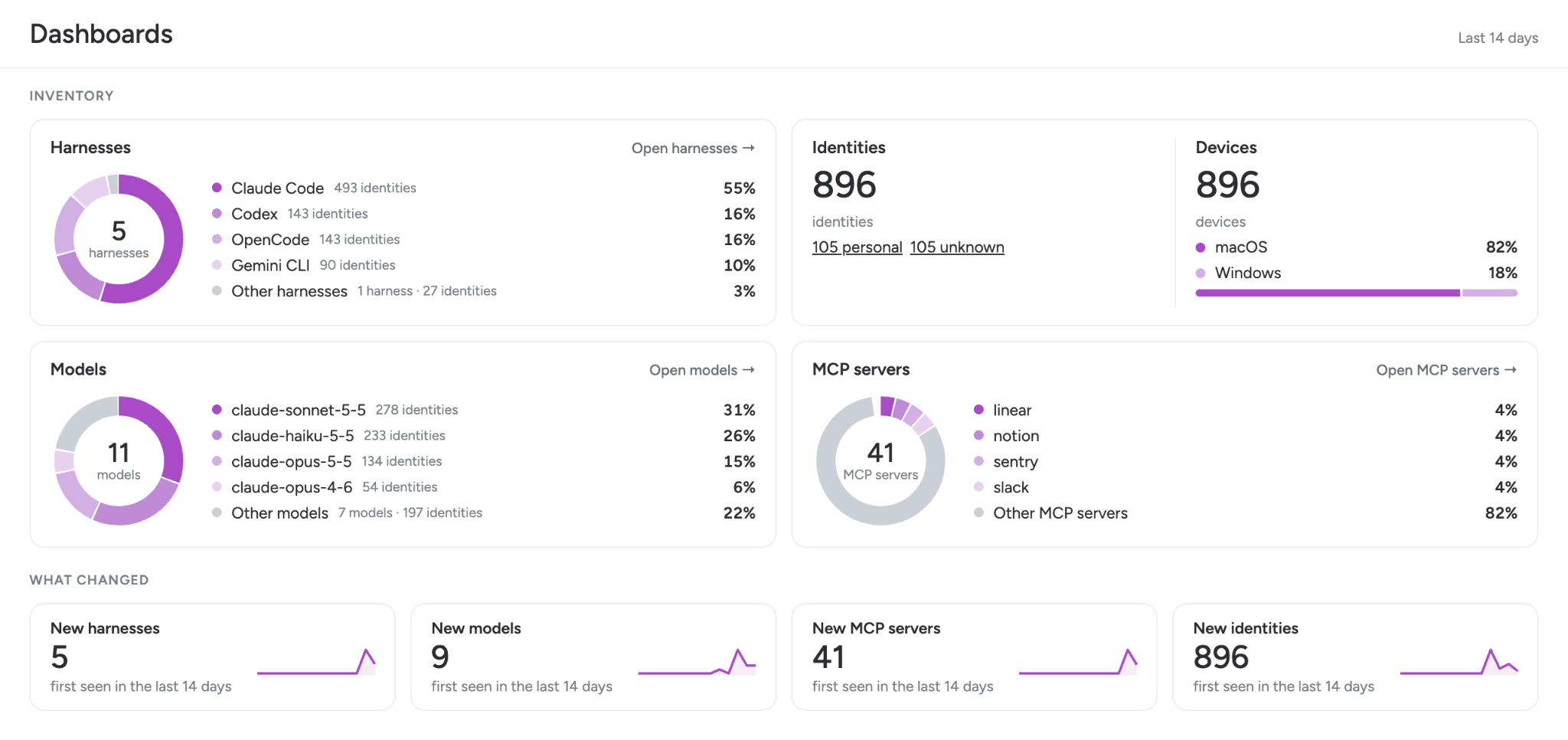
Agents, harnesses, models, MCP servers, skills, and plug-ins are discovered from runtime telemetry as they appear. Shadow AI shows up the minute it runs.
Trace every agent to a person
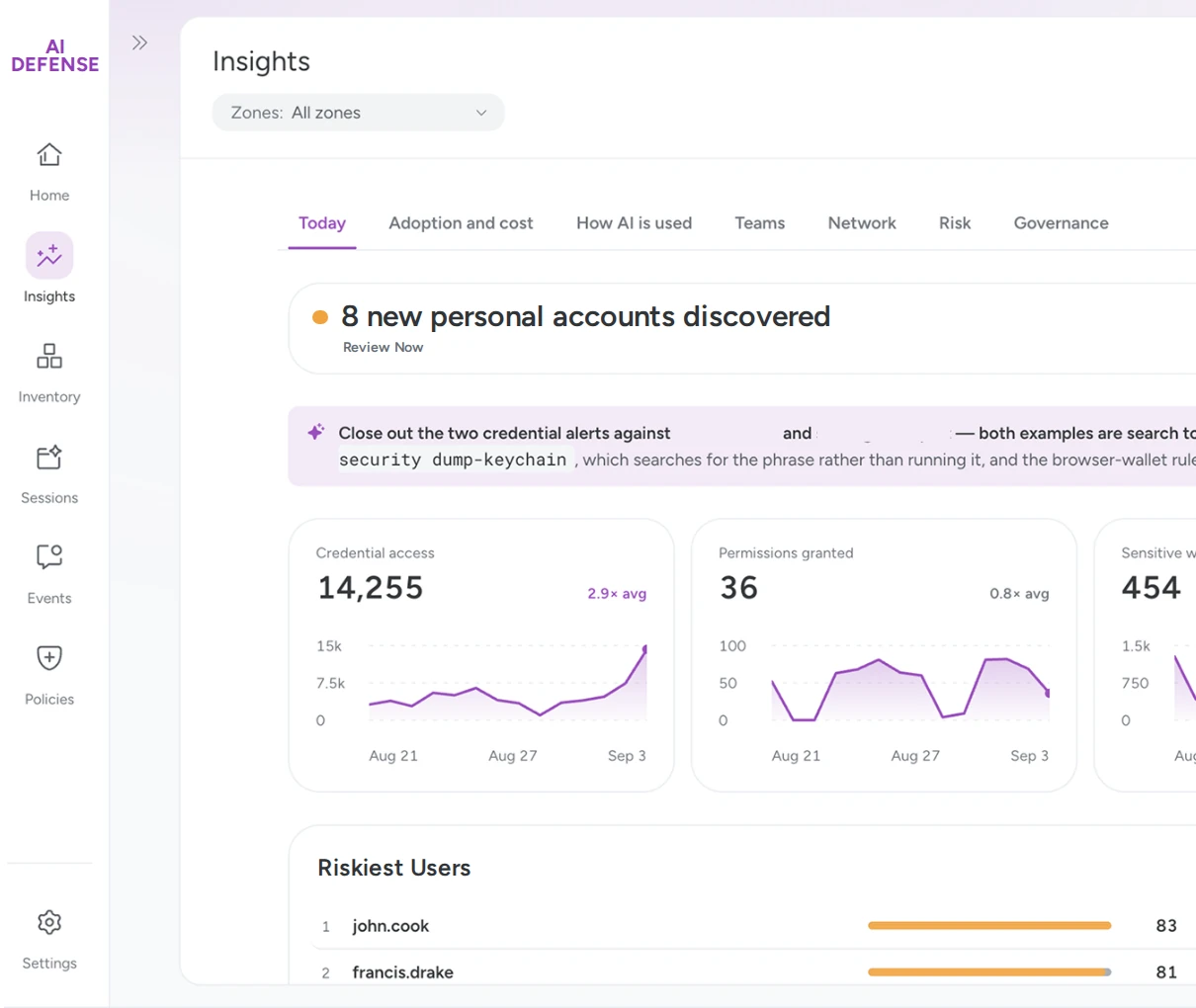
Across Claude Code, Codex, GitHub Copilot, Cursor, and more, each agent maps to the person behind it. See who runs AI on which machines, and whether they’re on a governed or personal account.
Allow, alert, or deny what agents can use
Review what’s new, then move it to allowed, alert, or denied: MCP servers, tools, harnesses, models, and identities. Set different rules for different teams.

See what’s actually running.
Tools that read an AI vendor’s logs only see what the vendor reports. They can’t see what an agent does outside the harness, like calling an API directly. Sysdig AI Defense sees inside the agent, including the tools, MCP servers, and skills it calls. And it sees what actually ran at the kernel level. Our inventory reflects what’s executing, not just what’s been configured.
See what your agents are actually doing.
A First Look: Under the Hood of an AI Agent
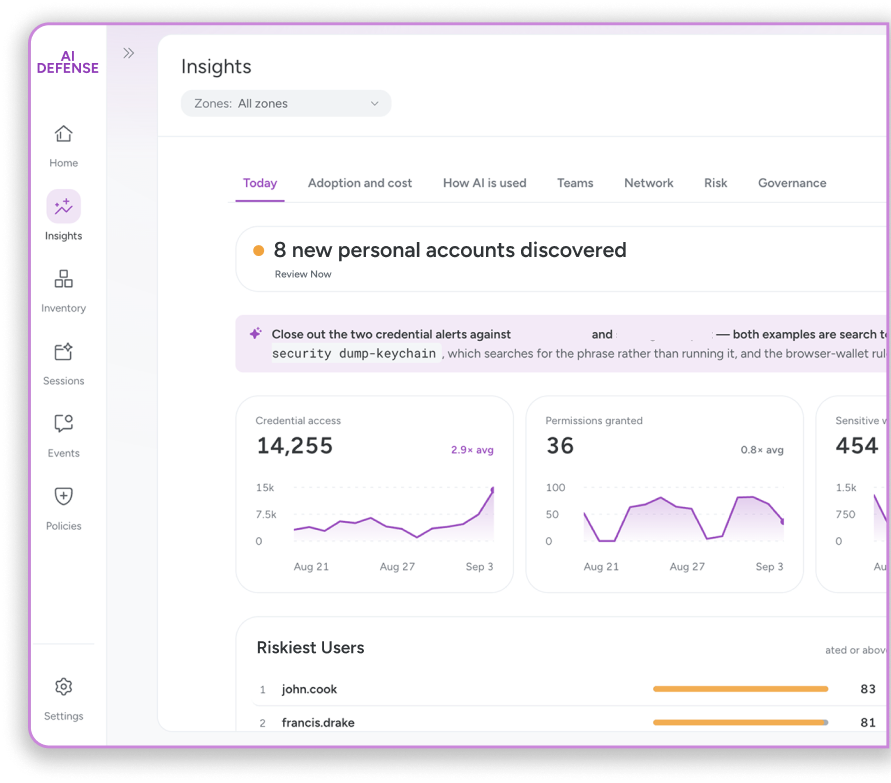
One month under the hood of an AI agent: what 300+ employee devices revealed about citizen developers, the AI supply chain, governance gaps, runtime control, credentials and model spend.
Read the report
Your Blueprint to Securing AI Workloads, the Right Way

AIBOM: The infrastructure, risks, and how to secure AI models